

Correlations
You can create interactive links for Explore visualizations by setting up Correlations. These links can either run queries or generate external URLs related to presented data.
A correlation defines how data in one data source is used to query data in another data source or to generate an external URL. Some examples:
- an application name returned in a logs data source can be used to query metrics related to that application in a metrics data source, or
- a user name returned by an SQL data source can be used to query logs related to that particular user in a logs data source
- a customer ID in a logs data source can link to a different platform that has a profile on that customer.
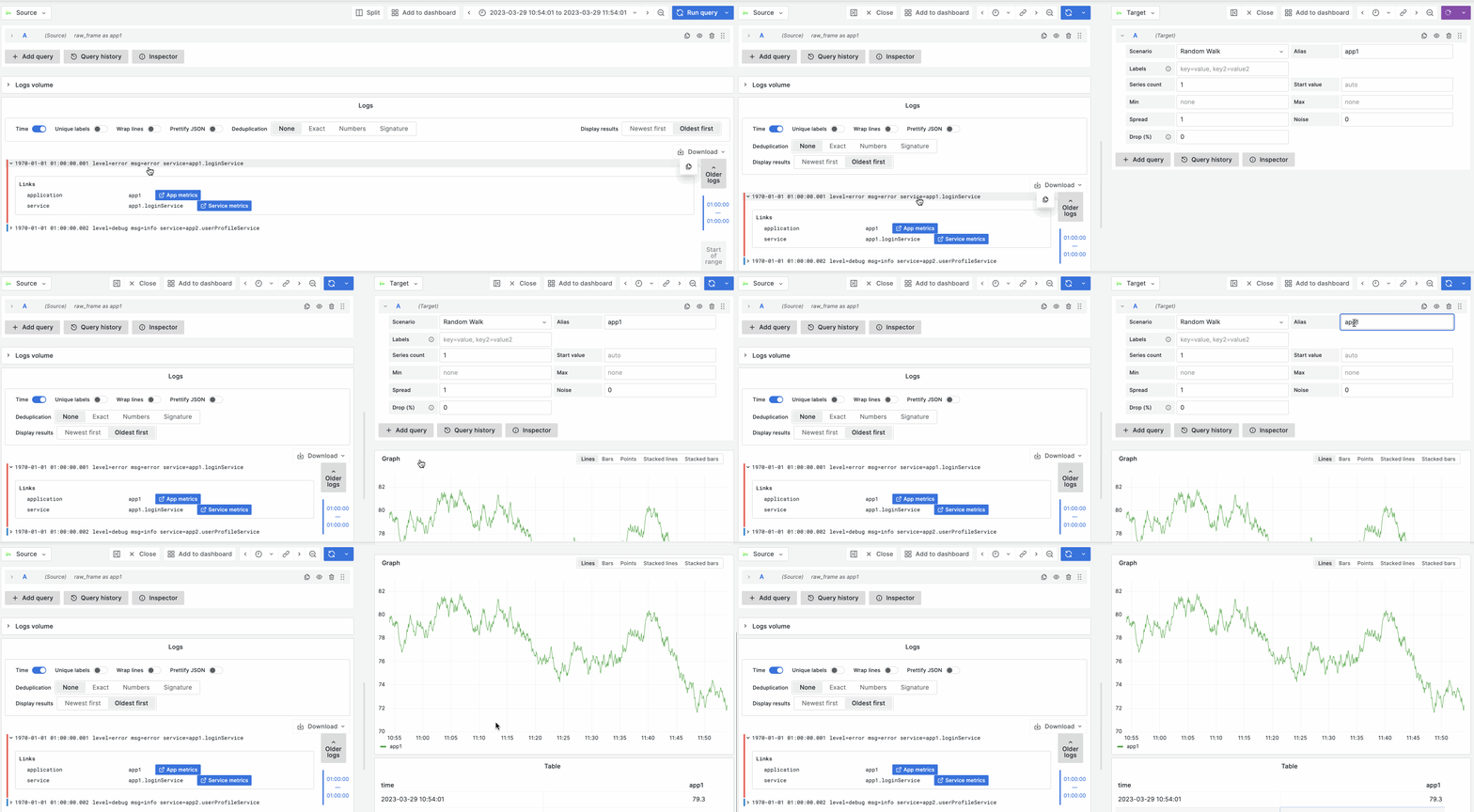
Explore takes user-defined correlations to display links inside the visualizations. If a correlation links to a query, you can click on that link to run the related query and see results in Explore Split View. If a correlation links to an external URL, you can click on the link to open the URL in a new tab in your browser.
Explore visualizations that currently support showing links based on correlations:
You can configure correlations using provisioning, the Administration > Plugins and data > Correlations page in Grafana or directly in Explore.
Example of how links work in Explore once set up
See also:


