























Tutorials
This page provides clear, step-by-step video tutorials that show new features and address common challenges users face. The goal is to make your experience with Business Suite seamless and productive.
How to use Business Suite to create a release dashboard in Grafana
This video explains how the release dashboard is configured and which Business Suite panels are used.
How to create a business dashboard in Grafana
Visual Charts Editor in Business Charts 6.4.0
The Visual Editor simplifies working with Grafana data frames and makes it easy to send data to the Charts function. This video covers tutorials for line, bar, radar, boxplot, and sunburst chart types.
Visual Charts Editor tutorial for Business Charts 6.4.0
Features overview of Business Charts 6.0.0
This is the first video created after the Business Charts plugin rebranding. It features chart examples and provides a high-level overview of the plugin architecture. Understanding the basics of plugin architecture helps you create custom charts.
Business Charts panel for Grafana 6.0.0 powered by Apache ECharts library
How to display the unemployment rate
Watch this video to discover how to display data on your Grafana dashboard using the JSON API and Infinity API data sources.
How to use JSON data sources for Grafana
Explore possibilities
This video demonstrates what this panel is capable of, providing tons of helpful links to code snippets, playgrounds, and other projects.
Explore possibilities
GeoJSON maps
You can watch the following video to better understand how to use GeoJSON maps.
How to tell the story with Grafana dashboard. Business Charts, bar chart, logs, and heatmap
Statistical and data mining
The ecStat library integrates statistical and data mining capabilities of the Apache ECharts library into the chart generation within the Business Charts panel.
Watch this tutorial for a detailed guide on using three data mining functions provided by ecStat:
- Clustering
- Histograms
- Regression
Histograms, Clustering. Regression in the Business Charts panel.
Directed graph
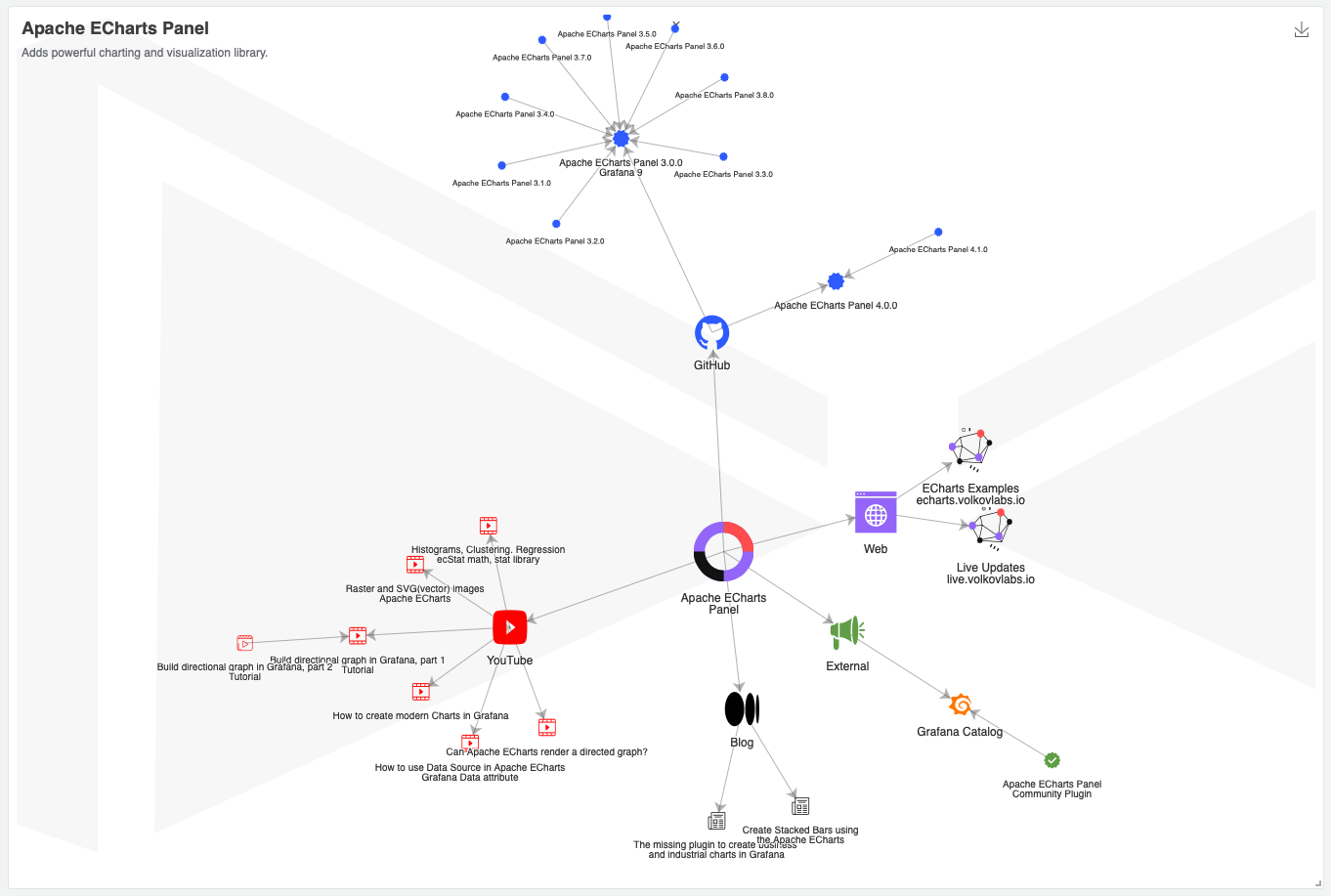
The Business Charts panel can render directed, undirected, and almost any other graph. Watch the tutorial to better understand the customization capabilities provided by the plugin.
This two-part video tutorial explains how you can build and visualize directed graphs in Grafana with the Business Charts panel.
Can the Business Charts render a directed graph?
Part 1
Build a directional graph in Grafana using the Business Charts panel. Tutorial part 1.
Part 2
Build a directional graph in Grafana using the Business Charts panel. Tutorial part 2.
Raster and vector images
A quick guide on how to use images in the Business Charts panel depending on the source type.
The Business Charts panel supports base64 PNG and SVG (vector) images
How to create modern dashboards in Grafana
How to create modern dashboards in Grafana


