
Plugins 〉Alpine Clock Panel


Alpine Clock Panel

Alpine Clock Panel

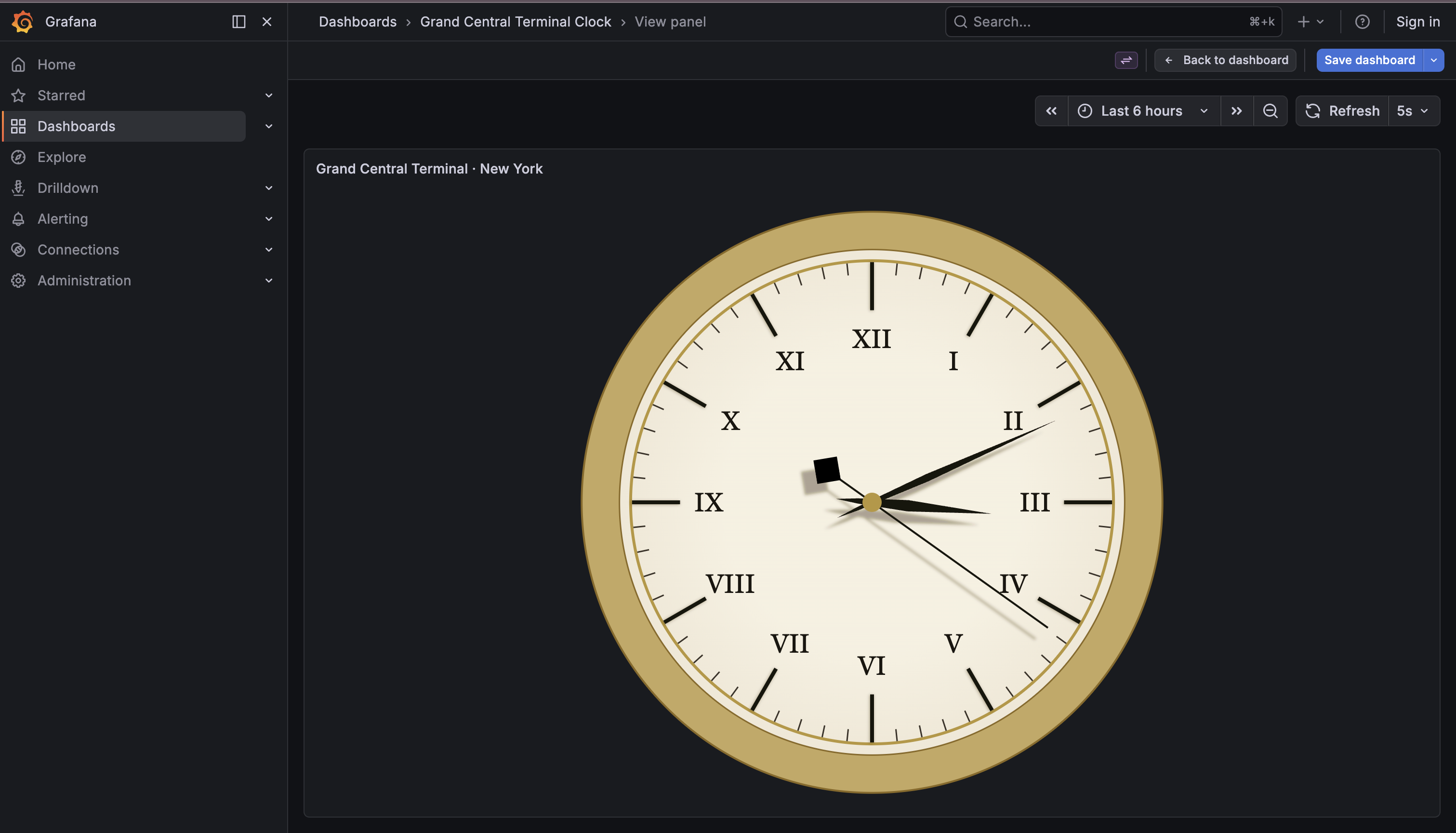
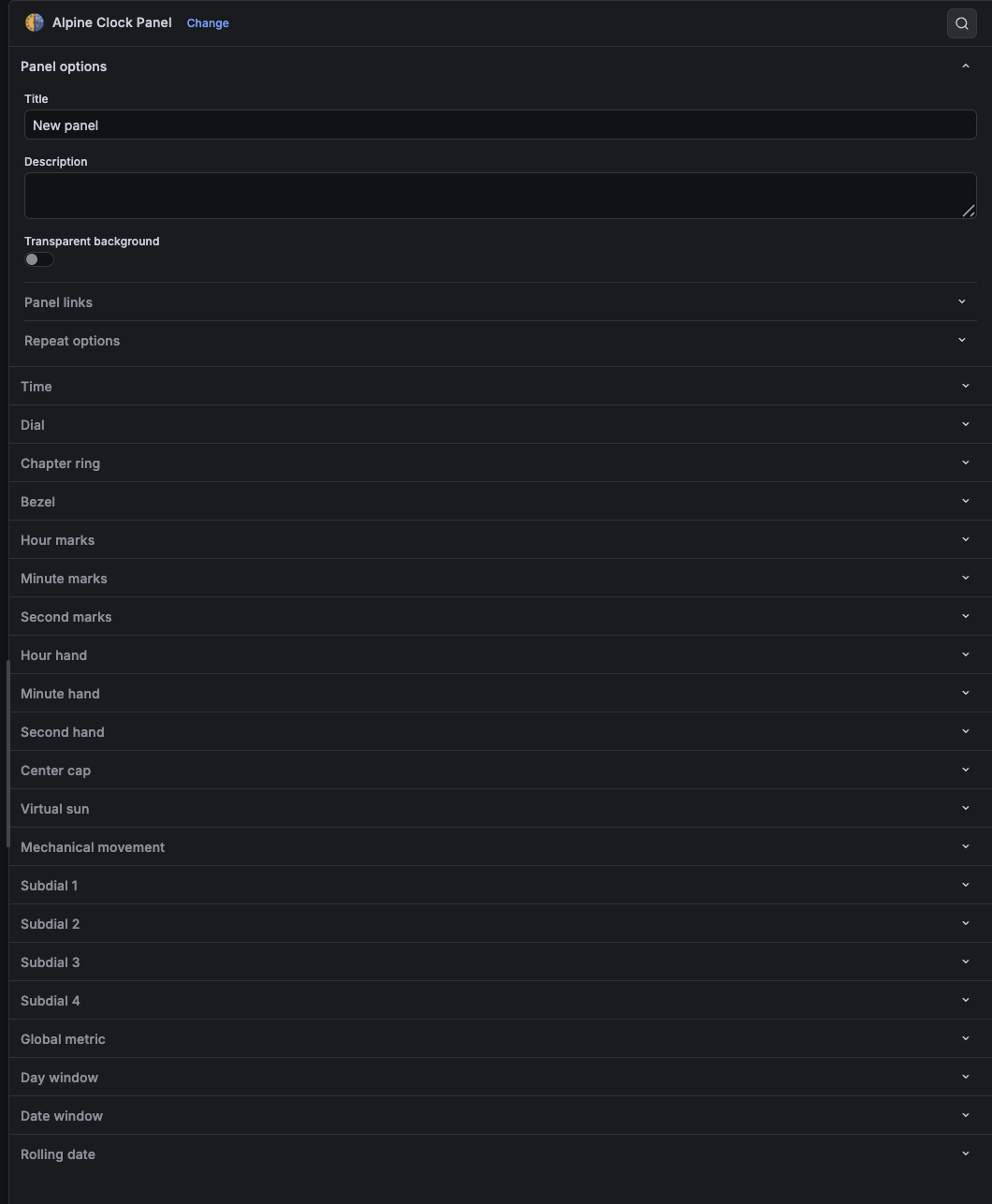
Alpine Clock Panel is a configurable analog clock plugin for Grafana with watch-inspired styling, timezone support, metric-driven complications, and rich visual customization.
Highlights
- Configurable dial shapes, gradients, bezels, tick marks, numerals, and hand styles
- Timezone-aware rendering with optional dashboard time synchronization
- Stop-to-go second hand, animated bounce, and dynamic hand shadows
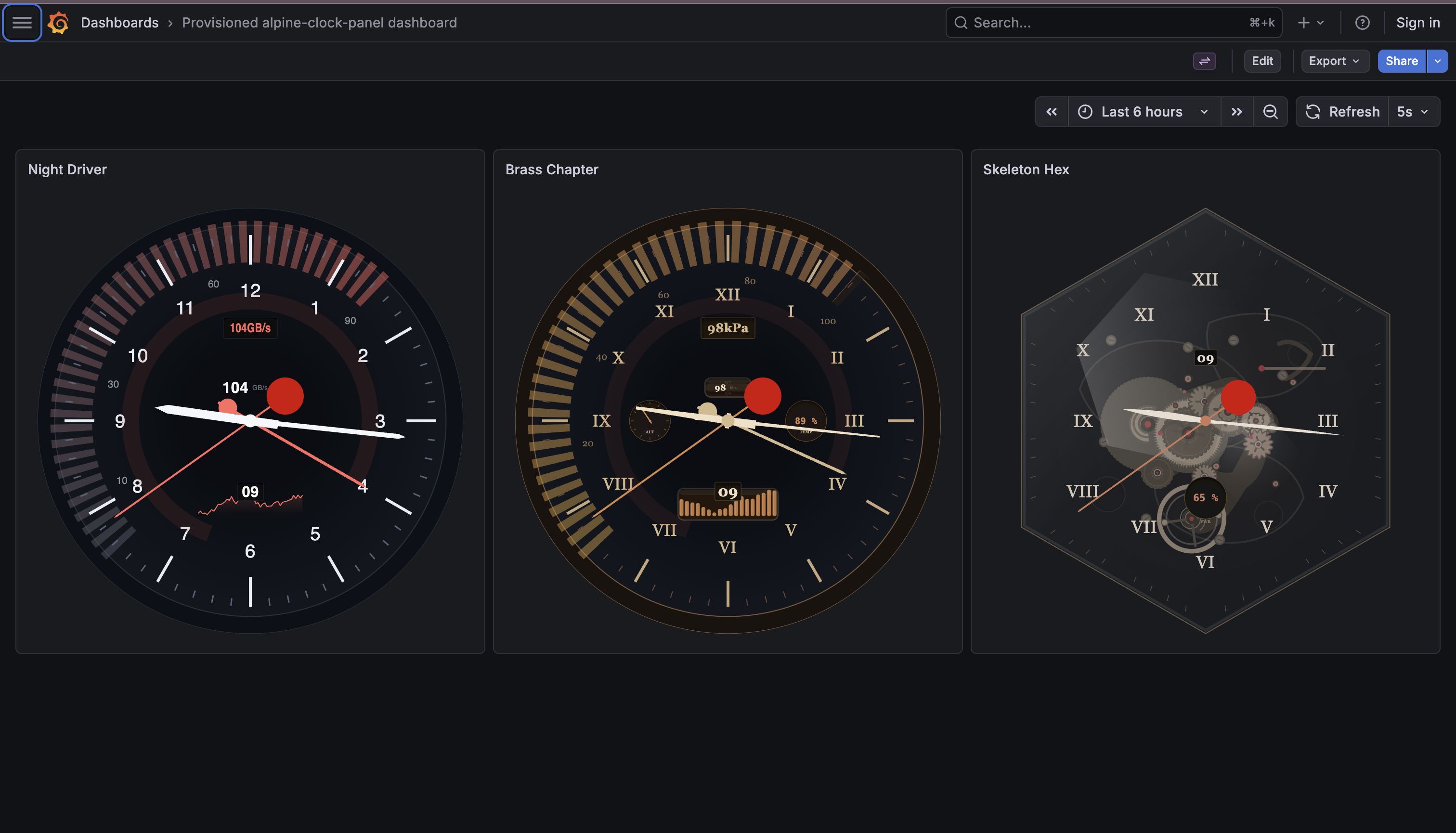
- Date/day windows, rolling date strip, four subdials, and a global metric hand
- Showcase dashboard with multiple design presets and TestData scenarios
Requirements
- Grafana 12.3.0 or newer
- Node.js version from the repository
.nvmrcfor local development
Getting started
- Install dependencies with
npm install. - Start development mode with
npm run dev. - Start Grafana locally with
npm run server. - Open
http://localhost:3000and add the Alpine Clock Panel to a dashboard.
Documentation
- Repository and full setup guide: https://github.com/dzaczek/grafana-alpine-clock-panel
- Full configuration reference: https://github.com/dzaczek/grafana-alpine-clock-panel/blob/main/docs/CONFIGURATION.md
- Local showcase dashboard:
provisioning/dashboards/showcase.json
Contributing
Issues and pull requests are welcome in the GitHub repository: https://github.com/dzaczek/grafana-alpine-clock-panel
Grafana Cloud Free
- Free tier: Limited to 3 users
- Paid plans: $55 / user / month above included usage
- Access to all Enterprise Plugins
- Fully managed service (not available to self-manage)
Self-hosted Grafana Enterprise
- Access to all Enterprise plugins
- All Grafana Enterprise features
- Self-manage on your own infrastructure
Grafana Cloud Free
- Free tier: Limited to 3 users
- Paid plans: $55 / user / month above included usage
- Access to all Enterprise Plugins
- Fully managed service (not available to self-manage)
Self-hosted Grafana Enterprise
- Access to all Enterprise plugins
- All Grafana Enterprise features
- Self-manage on your own infrastructure
Grafana Cloud Free
- Free tier: Limited to 3 users
- Paid plans: $55 / user / month above included usage
- Access to all Enterprise Plugins
- Fully managed service (not available to self-manage)
Self-hosted Grafana Enterprise
- Access to all Enterprise plugins
- All Grafana Enterprise features
- Self-manage on your own infrastructure
Grafana Cloud Free
- Free tier: Limited to 3 users
- Paid plans: $55 / user / month above included usage
- Access to all Enterprise Plugins
- Fully managed service (not available to self-manage)
Self-hosted Grafana Enterprise
- Access to all Enterprise plugins
- All Grafana Enterprise features
- Self-manage on your own infrastructure
Grafana Cloud Free
- Free tier: Limited to 3 users
- Paid plans: $55 / user / month above included usage
- Access to all Enterprise Plugins
- Fully managed service (not available to self-manage)
Self-hosted Grafana Enterprise
- Access to all Enterprise plugins
- All Grafana Enterprise features
- Self-manage on your own infrastructure
Install on Grafana Cloud
Plugins can be installed directly from within your Grafana instance or automated using the Cloud API or Terraform.
Learn more about plugin installationMarketplace plugins
This is a paid plugin developed by a marketplace partner. To purchase an entitlement, sign in first, then fill out the contact form.
Get this plugin
This is a paid for plugin developed by a marketplace partner. To purchase entitlement please fill out the contact us form.
What to expect:
- Grafana Labs will reach out to discuss your needs
- Payment will be taken by Grafana Labs
- Once purchased the plugin will be available for you to install (cloud) or a signed version will be provided (on-premise)
Thank you! We will be in touch.
For more information, visit the docs on plugin installation.
Installing on a local Grafana:
For local instances, plugins are installed and updated via a simple CLI command. Plugins are not updated automatically, however you will be notified when updates are available right within your Grafana.
1. Install the Panel
Use the grafana-cli tool to install Alpine Clock Panel from the commandline:
grafana-cli plugins install The plugin will be installed into your grafana plugins directory; the default is /var/lib/grafana/plugins. More information on the cli tool.
Alternatively, you can manually download the .zip file for your architecture below and unpack it into your grafana plugins directory.
Alternatively, you can manually download the .zip file and unpack it into your grafana plugins directory.
2. Add the Panel to a Dashboard
Installed panels are available immediately in the Dashboards section in your Grafana main menu, and can be added like any other core panel in Grafana.
To see a list of installed panels, click the Plugins item in the main menu. Both core panels and installed panels will appear.
Changelog
All notable changes to this project should be documented in this file.
The format follows Keep a Changelog and the project uses Semantic Versioning.
1.5.4 (2026-05-21)
Changed
- Reverted to official Grafana release workflow pattern to ensure full compatibility with modern provenance attestation requirements.
1.5.3 (2026-05-21)
Changed
- Updated development dependencies (Webpack, ESLint, Sass) to latest versions.
- Cleaned up repository by merging pending Dependabot PRs.
1.5.2 (2026-05-21)
Fixed
- Final fix for provenance attestation — explicitly using actions/attest-build-provenance@v4 to match successful splitflap-panel pattern.
1.5.1 (2026-05-21)
Fixed
- Fixed provenance attestation in GitHub Actions to comply with new Grafana signing requirements.
1.5.0 (2026-05-20)
Added
- Frozen example suggestions directly in the visualization picker: Grand Central Terminal, Classic Swiss, Vintage Gold, Minimal Baton, and Square Sharp
- Canonical default option snapshots for both the legacy clock baseline and the new Grand Central baseline
- Regression tests covering defaults, migration behavior, and example suggestion materialization
- Subdial analog scale controls for scale start angle and scale sweep angle
Changed
- New empty Alpine Clock panels now start with the Grand Central Terminal visual style
- Panel option registration now reads runtime defaults from a centralized defaults module instead of scattering the active baseline across editor literals
Fixed
- Existing sparse panels now migrate to the legacy default set before the new baseline is applied, preventing visual drift after changing defaults
- Example clocks are now fully materialized and no longer depend on whatever the current plugin defaults happen to be
- Plugin examples no longer risk changing appearance when future default values are adjusted
1.4.0 (2026-05-09)
Added
- Chapter ring option — decorative inner ring between dial and bezel for station clocks
- Grand Central Terminal dashboard (New York, cream dial, brass bezel, spade hands)
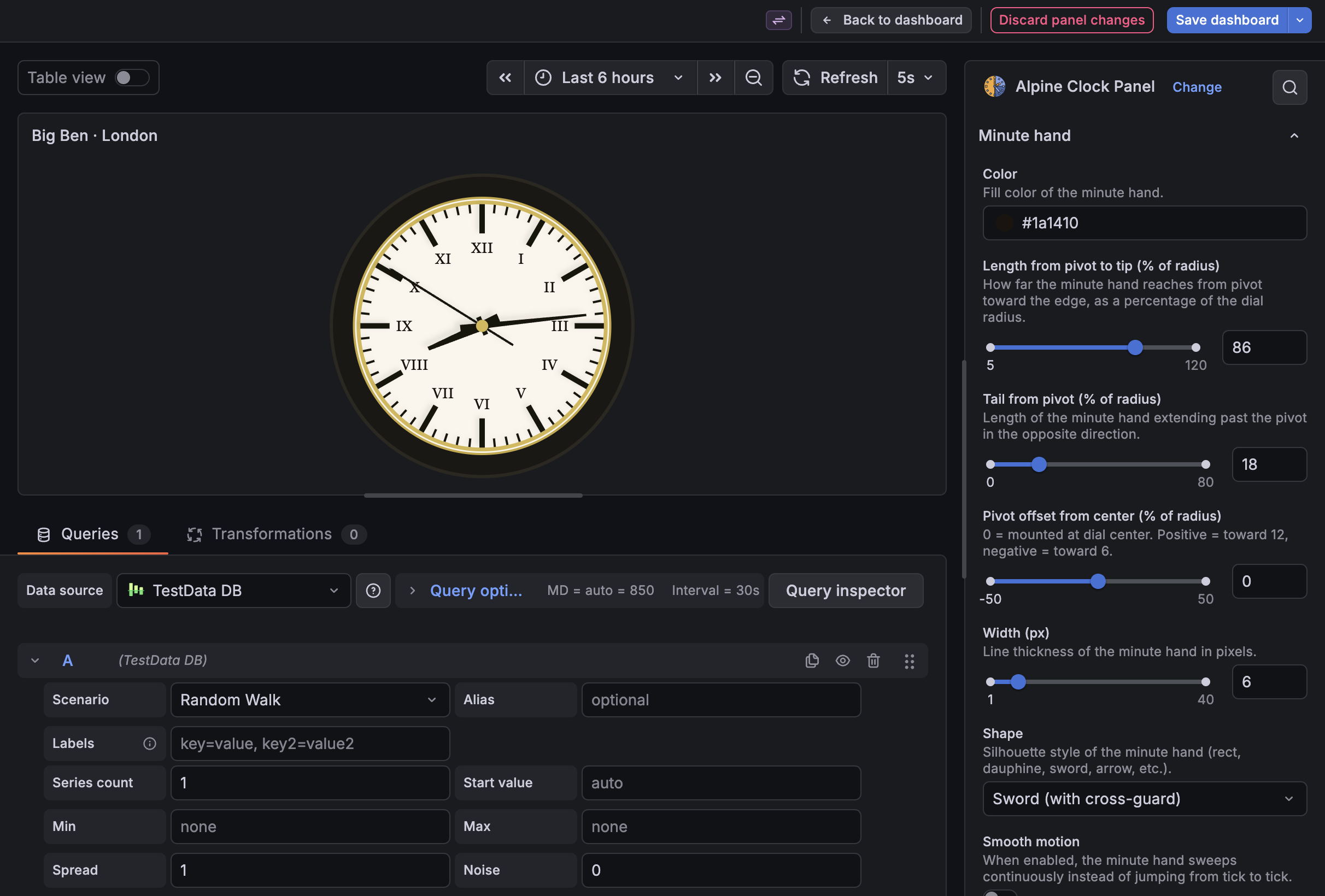
- Big Ben dashboard (London, Victorian Gothic, iron bezel, opal glass, sword hands)
- World Exchanges dashboard — 14 trading floor clocks across global timezones
- 108-clock categorized showcase across 9 themes (Retro, Modern, Cyberpunk, Fantasy, Rich, Metrics, Sport, Rails, Airplane)
- 5 thematic dashboards: Racing Chronograph, Diver's Bezel, Flieger Type A, Bauhaus, Grand Complication
gmShowHandtoggle for independent control of global metric hand visibilitygmSmoothDurationslider (0.1–60s) controlling GM hand animation speed- Smooth animation for subdial analog hands (exponential decay, 0.3s time constant)
- Descriptions for all 274 panel options in the Grafana config UI
Changed
- Global Metric category split into 4 subcategories: main, Indicator, Readout, Gauge
- Mechanical Movement moved after Virtual Sun (advanced visuals group)
- Category names: "Hour/Minute/Second indices" → "Hour/Minute/Second marks"
- Second hand counterweight position default changed from 65 to -23
- SVG radial gradient
rincreased from 70% to 85% (Chrome rendering fix) - All dashboard JSONs cleaned of forced counterweight/bounce overrides (534 removed)
Fixed
smoothSecondHanddead control removed (second hand is always smooth)- Element collisions resolved on Full-Featured Metrics Clock and all themed dashboards
- GM hand animation — was ignoring
gmSmooth, now uses exponential decay - Subdial hands — were jumping, now animate smoothly
- Sun indicator disabled on Large Clock with Shadow dashboard
Removed
- Unused
HandOptionsinterface from types
1.3.0 (2026-05-07)
Added
- Smooth animation for global metric hand (exponential decay interpolation)
gmSmoothDurationoption controlling GM hand transition time- Smooth animation for subdial analog hands
Fixed
gmSmoothwas registered in UI but ignored by the renderer- Duplicate animation loop performance issue
1.2.0 (2026-04-29)
Added
- Extended publishing-ready README and a full configuration reference in
docs/CONFIGURATION.md - Catalog-oriented plugin metadata links and a stronger marketplace description
- Release and SemVer guidance aligned with Grafana packaging workflows
Changed
- Synchronized repository version metadata to
1.2.0 - Refined documentation wording for local development, publishing, and contribution flow
1.1.0 (2026-04-12)
Added
- Timezone support with
moment-timezone - Configurable date and time display options
- Second-hand animation toggle
- Showcase dashboard in provisioning
- Custom color options for clock elements
1.0.0
Initial release.

